
GlucoContro.online
Information for HCPs
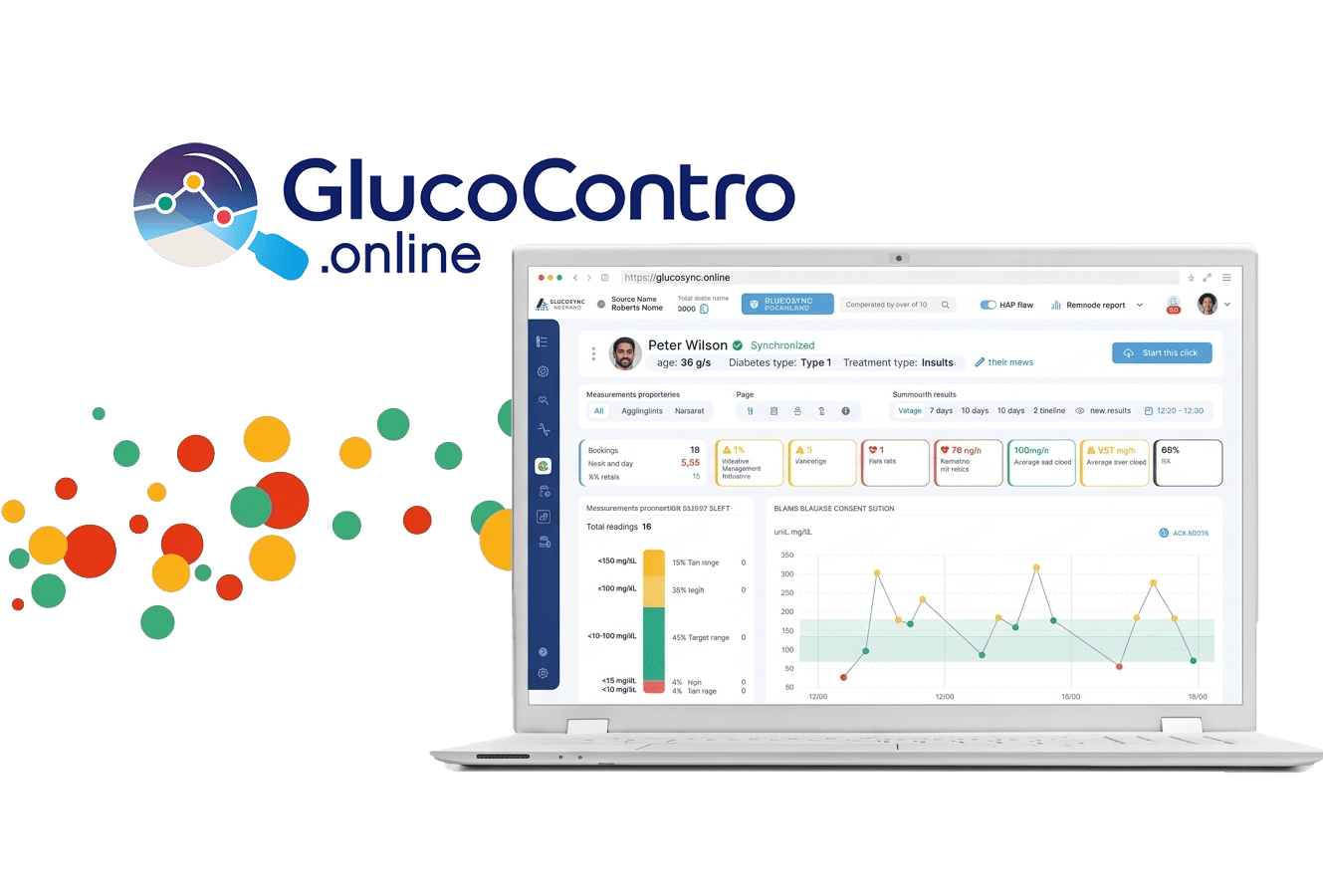
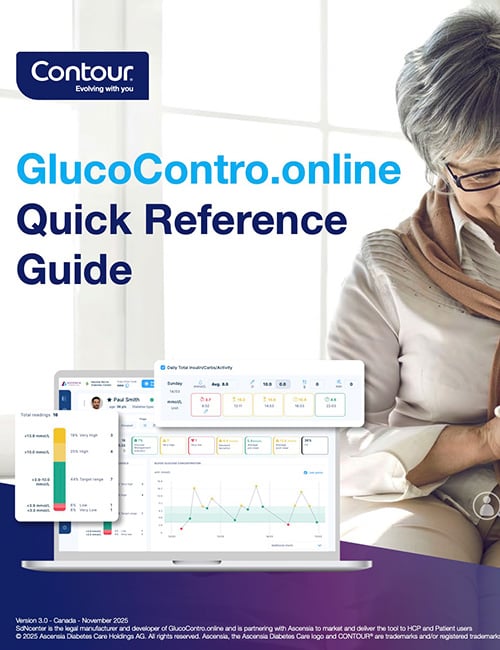
An easy-to-use remote patient monitoring tool to help guide your patients in their diabetes management.
Easy access to patient blood glucose information
- All your patients information on an easy-to understand dashboard
- Invite your patients online & counsel patients remotely or in person
- Consistent colour coding across the fully connected platforms
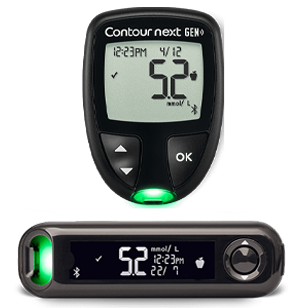
CONTOUR® Connected blood glucose meters

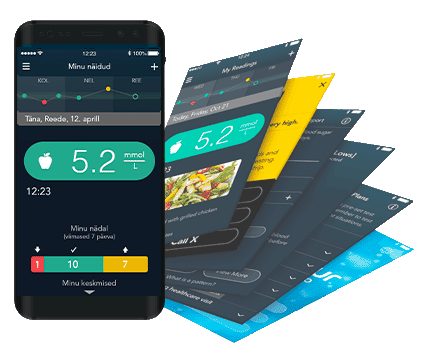
CONTOUR®DIABETES app
GlucoContro.online
GlucoContro.online (GCO) Benefits

A secure environment
for your patients to share information with you

Fast and easy access
to CONTOUR®DIABETES app data stored in CONTOUR® cloud

Personalized information about each registered patient
(target ranges, time frames)

Generate reports
Including AGP report (Ambulatory Glucose Profile), PDF, print

Quick data summary
traffic light color coded charts

General statistics
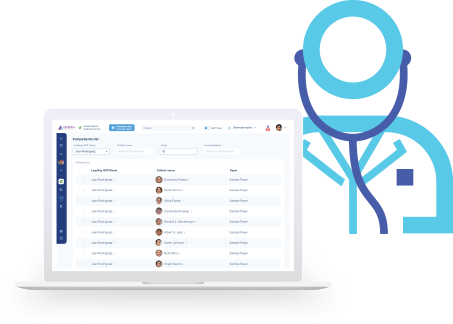
Panel with general statistics and complete list of registered patients

Download results
from CONTOUR® meters
without system administrator permissions
Getting Started with GlucoContro.online
Educational Content to support HCPs

Frequently Asked Questions
GlucoContro.online is a web-based diabetes management platform for people living with diabetes using CONTOUR®NEXT blood glucose meter systems. It gives healthcare professionals centralized access to blood glucose and related health data, and enables secure communication through comments on specific data points.
If you registered as a Professional or Caregiver, you need to confirm your email via the link sent from no-reply@glucocontro.online. If you don’t see it:
- Check your spam/junk or promotions folder.
- On the confirmation screen, click Resend email.
- Ask your IT admin to allow emails from @glucocontro.online.
If the issue persists, contact support@glucocontro.online.
The person who creates the clinic is the default administrator. If you are part of a clinic and want admin rights, the current administrator can grant them via Clinic’s Settings → Manage organization → three-dot menu → Grant or revoke admin rights.
A clinic can have multiple administrators.
No – each account requires a unique email address so it is not possible to create two separate accounts using the same email.
Yes, HCPs can be part of multiple clinics with their same profile. To join an existing clinic:
- On the left side panel, click on Join Other Clinics.
- Use the search bar to find your organization by name or city.
- Click Join next to the correct organization.
- Enter your business email address for that clinic and click Join.
- Wait for approval from the clinic’s Administrator.
Open a patient profile, click Generate report, choose a report type from the dropdown menu, click View Selected, then Print or Download (PDF) - options vary by system.
NOTE: The reports created will be based on the data selected to review e.g. if 14 days of readings has been selected, then the report will be based on this period of time.
Yes. After selecting a patient and clicking Start the visit, you can add notes by clicking on Visit notes. Notes can be:
- Shared: Visible to the patient (they will get an email notification if they have a GCO profile).
- Private: Visible only to HCPs within the clinic.
Yes. You can easily connect a CONTOUR® meter to your computer using a USB/ micro-USB cable. Once connected, click on the Download Data blue button and simply follow the on-screen prompts to access the patient's results instantly—no need for the patient to create a GCO profile.
Please contact the support service to report the issue at: support@glucocontro.online.
GCO synchronizes with CONTOUR® CLOUD to display data from the CONTOUR®DIABETES App. Check supported devices here: compatibility.contourone.com.
If synchronizing fails, retry later. If the issue persists, contact support@glucocontro.online.
**On a compatible Android or iOS device. For a list of compatible devices, please visit compatibility.contourone.com
SdNCenter is the legal manufacturer and developer of GlucoContro.online and is partnering with Ascensia to market and deliver the tool to HCP and Patient users.