1
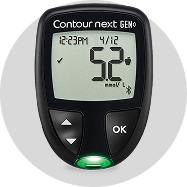
Your CONTOUR®NEXT GEN Meter


Monitoring helps you see how food, activity, stress, and medication affect your blood sugar.

Keeping your blood sugar in range reduces the risk of long-term complications like heart disease or nerve damage.

Sharing your results helps your healthcare team adjust your treatment plan and keep you on track.
Testing frequency can vary depending on your treatment plan, lifestyle, and health goals. Always follow the recommendations of your healthcare professional - they know what is best for your situation.
For general guidance, you can also visit Diabetes Canada's website for helpful resources and guidelines
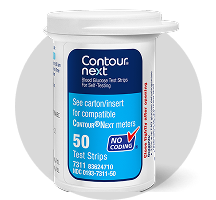
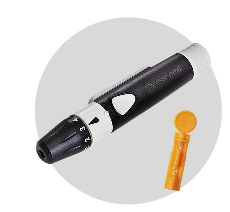
The key steps to check your blood glucose with confidence.
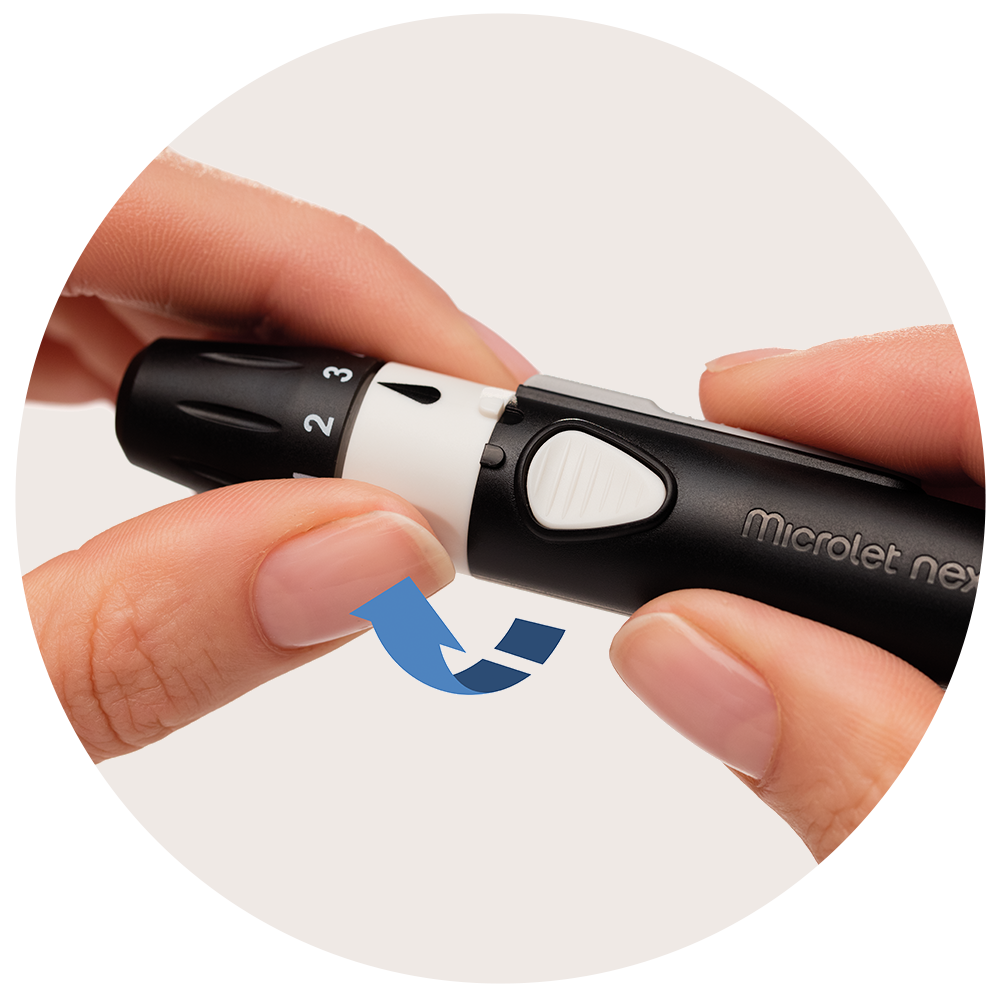
Pull off the endcap.
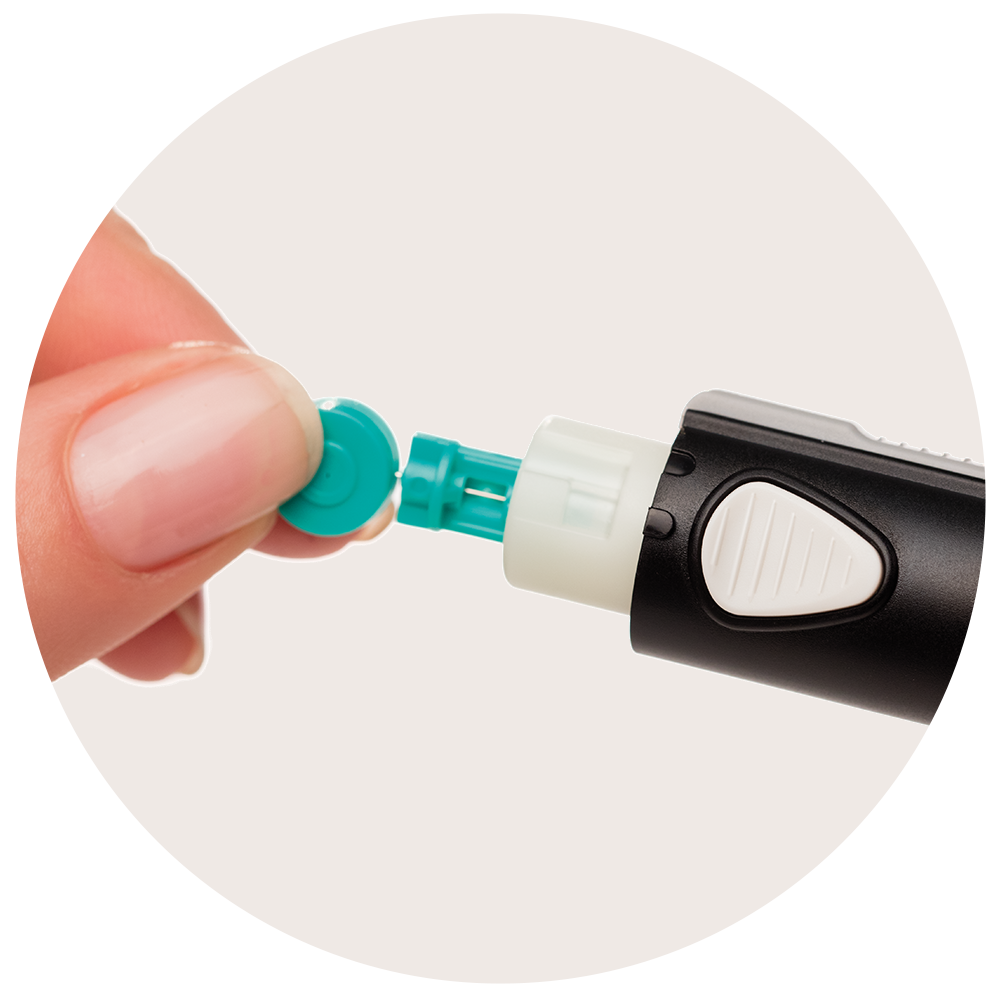
Carefully twist off the round protective cap.
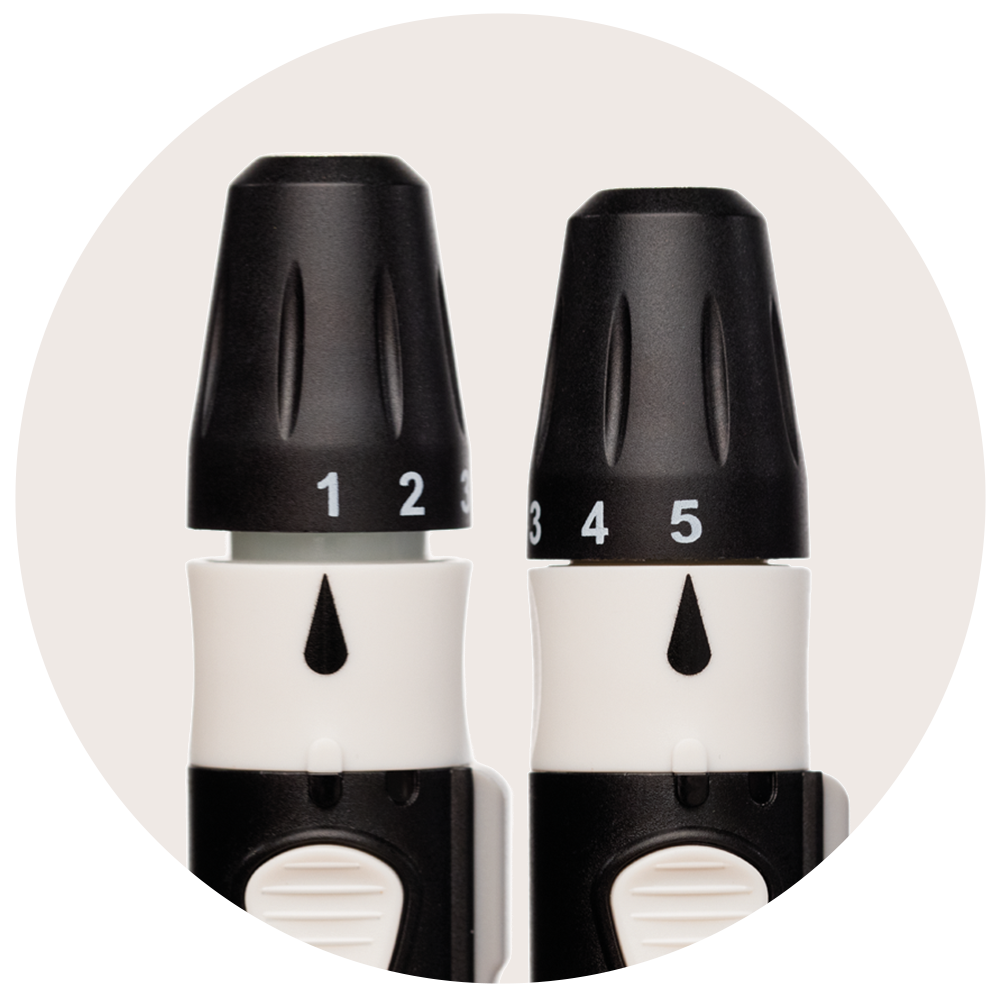
Then dial to adjust for depth (1 for shallowest and 5 for deepest).
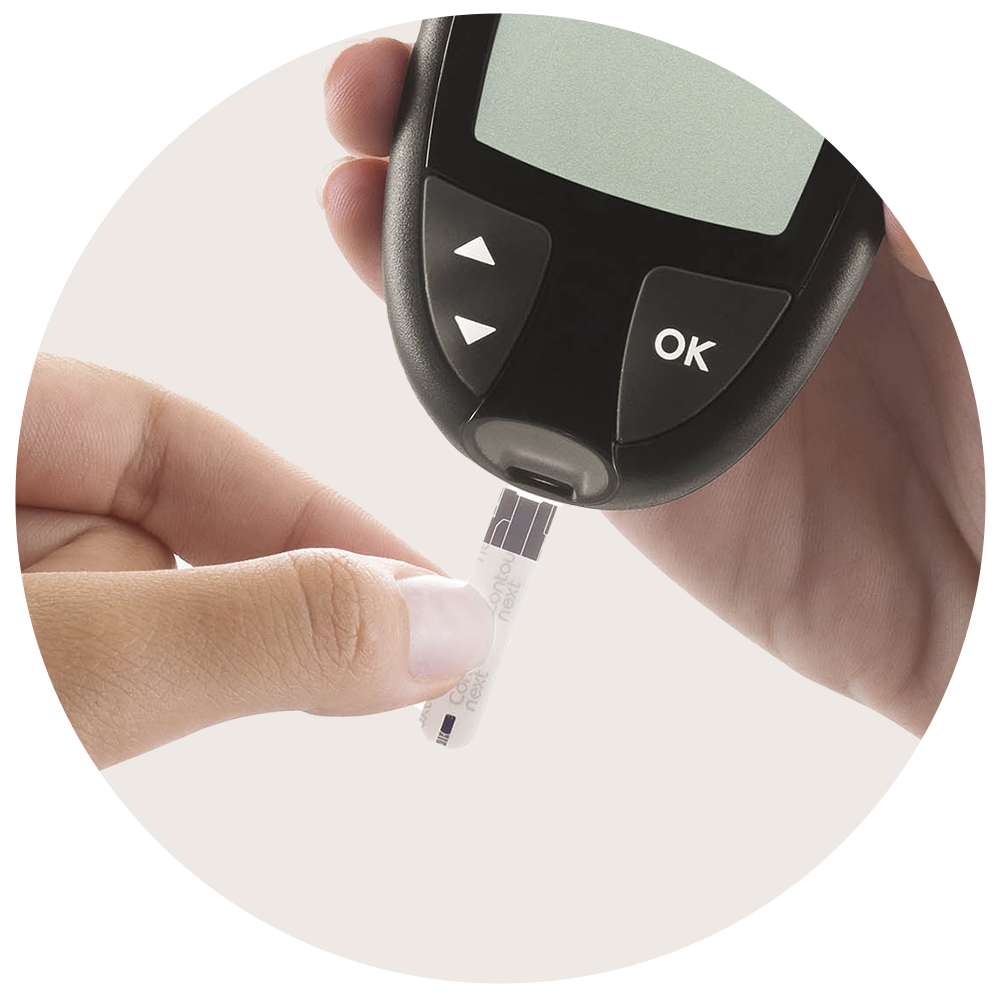
The meter will switch on.
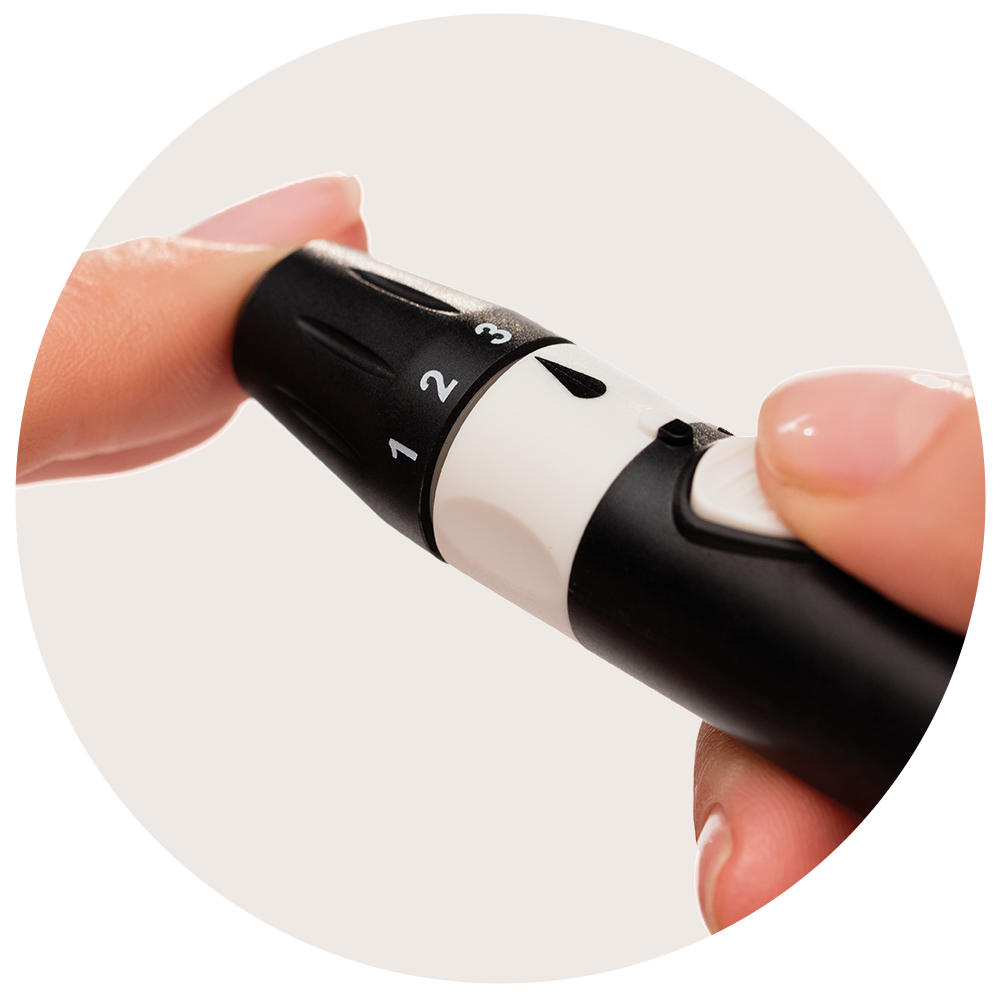
Lance using the release button.
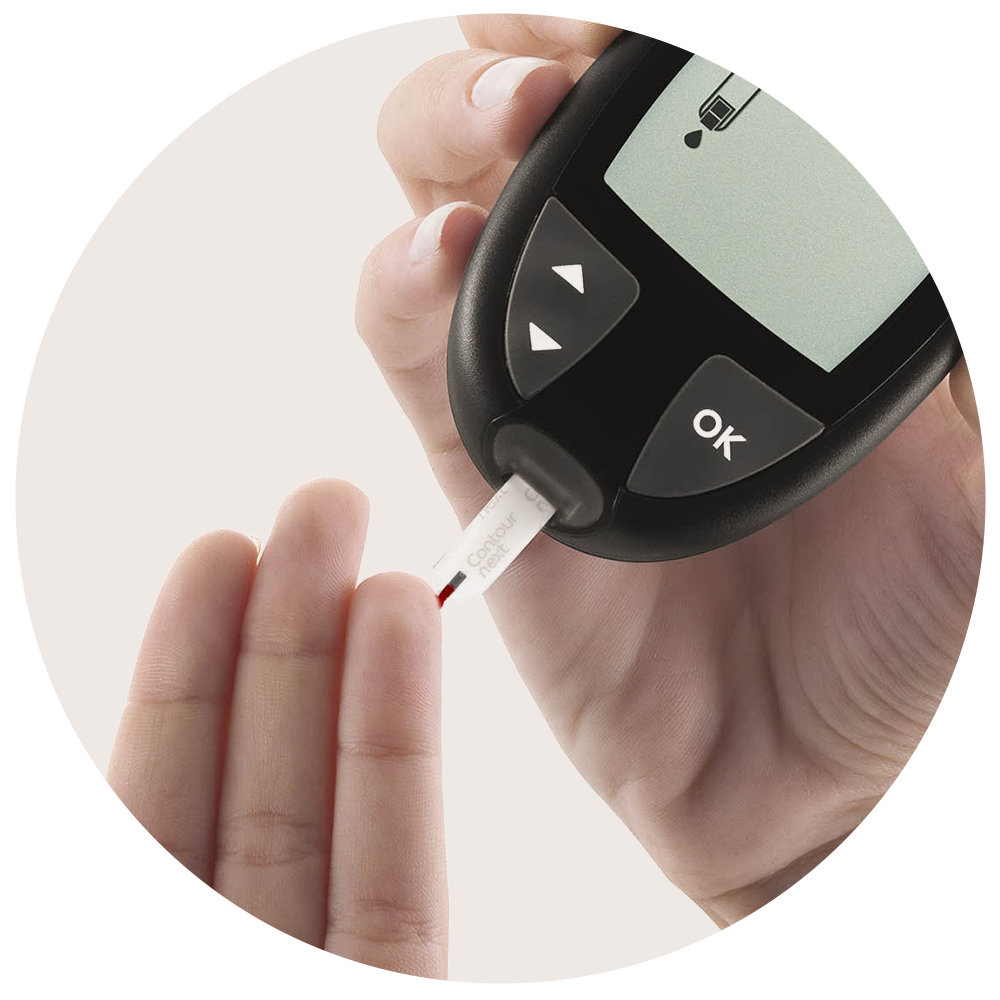
If the initial blood drop is insufficient, you have up to 60 seconds to apply more.
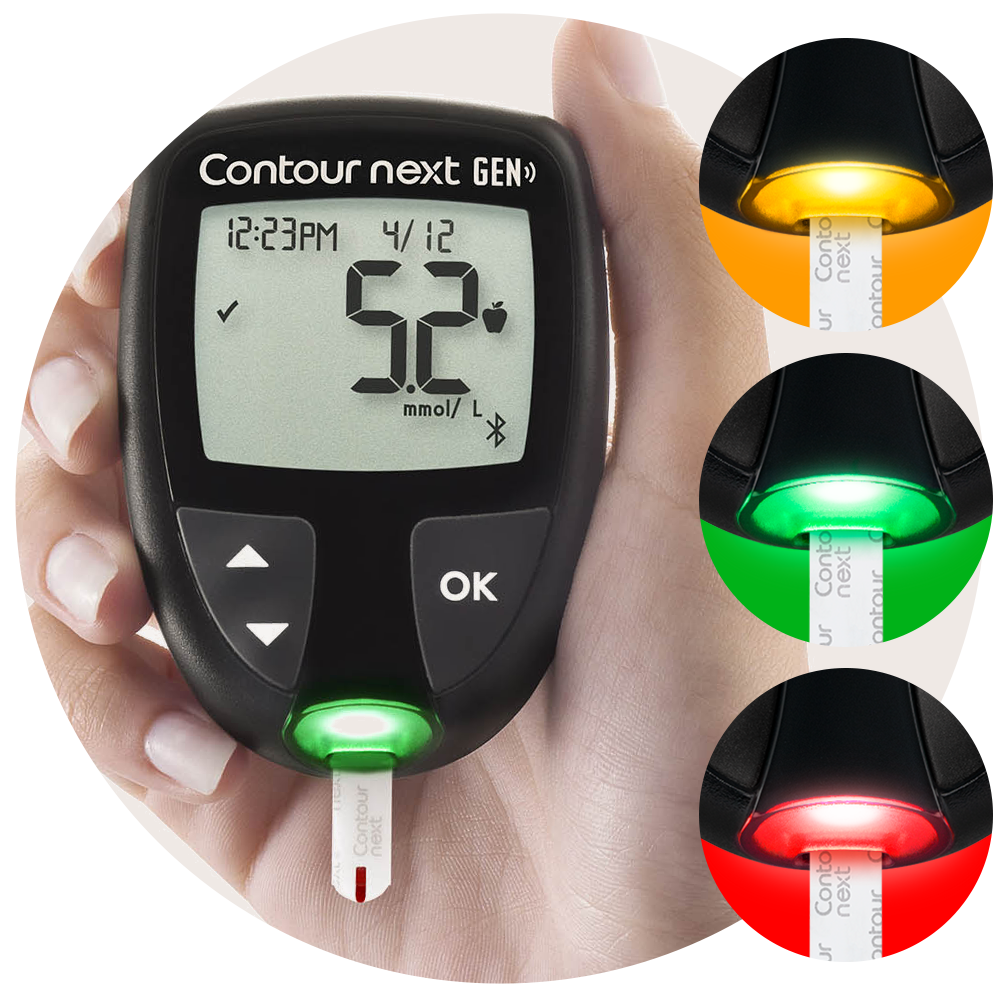
The smartLIGHT colour indicator clearly identify if the reading is above (yellow), within (green) or below (red) your target range.
Explore extra features designed to simplify and enhance your testing experience.
Second-Chance® Sampling
The smartLIGHT Target Range Indicator
Viewing the Readings
Using Meal Markers
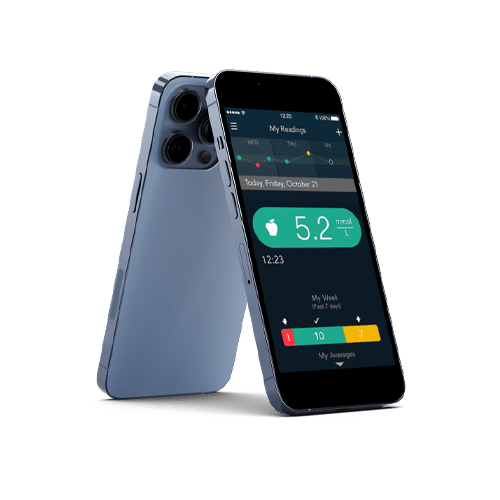
Managing diabetes, smarter. Test, track and share more easily to gain a better understanding of your blood glucose patterns. All in one convenient place - your smartphone. Learn more.
Go to your app store and download the free CONTOUR®DIABETES app
Create an account or log into your existing CONTOUR®DIABETES app account
Pair your CONTOUR®NEXT GEN meter with CONTOUR®DIABETES app
Share reports with your healthcare professional

Completing this training marks an important step in learning how to use your blood glucose meter efficiently. To support you further, we offer a range of resources, including dedicated customer service and educational content about diabetes.




*Before use please see the CONTOUR®NEXT GEN and MICROLET®NEXT user guides for full instructions. ** On a compatible Android or iOS device. For a list of compatible operating systems, please visit compatibility.contourone.com